
4 min readNew DelhiJun 29, 2026 09:32 PM IST
WhatsApp has begun rolling out reservations for usernames globally. Dubbed as one of its biggest privacy-focused features, usernames will allow users to connect without revealing their phone numbers. The Meta-owned messaging platform said username reservations will begin from Monday, June 29, ahead of the feature’s broader rollout later this year. Users will receive a notification in the app once the option becomes available to them.
“Starting this week, you can reserve a username to use later this year when we launch this feature. With over three billion people on WhatsApp a lot of names overlap, which is why we’re opening reservations early so everyone has the opportunity to select the username that matters to them,” WhatsApp said in a blog post.

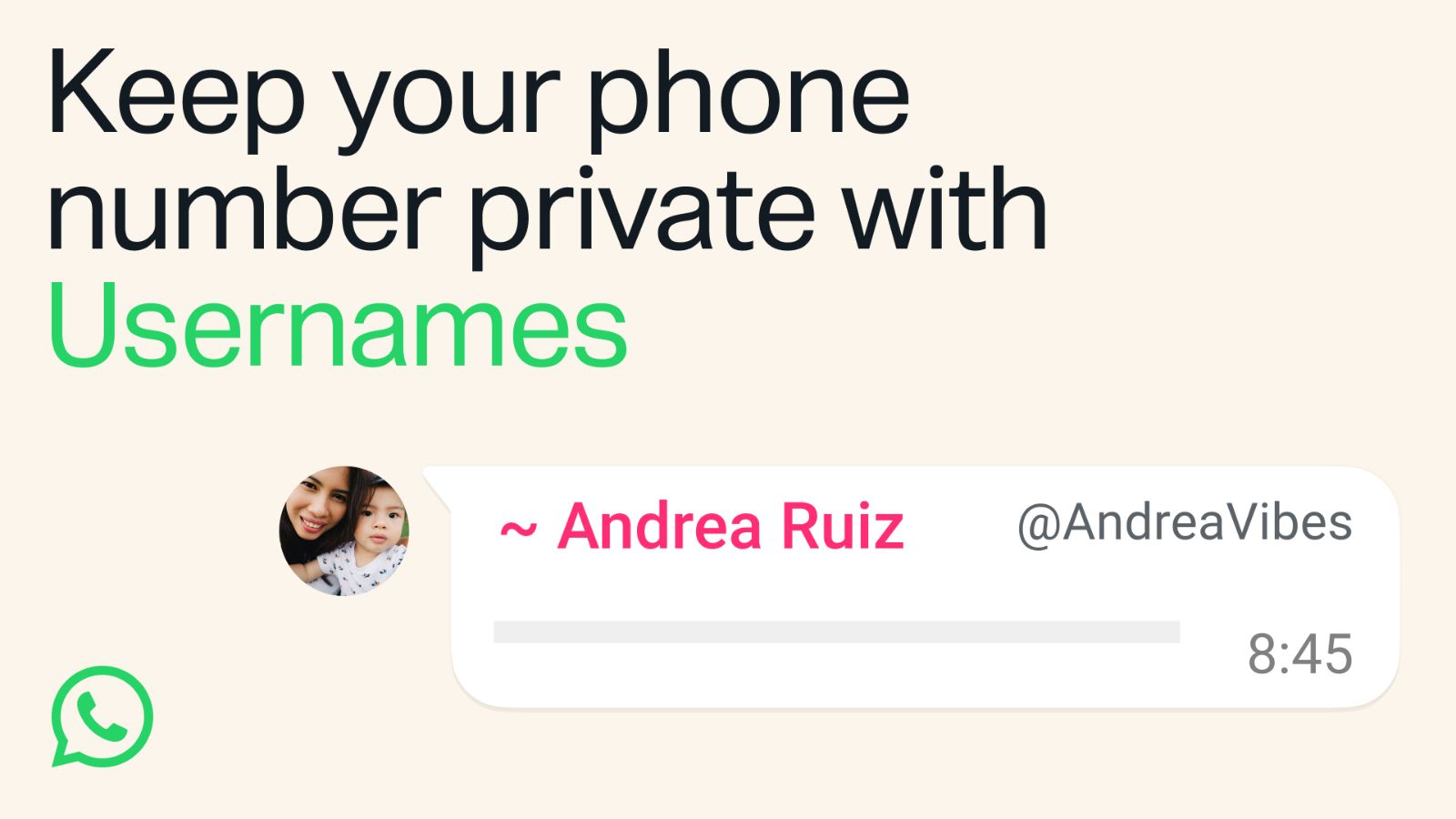
The new feature reduces the need to share personal phone numbers when chatting with someone for the first time. Instead of exchanging mobile numbers, now users will be able to share a unique WhatsApp username that others can use to start a conversation.
The company claims that usernames are not so much a social media identity as they are a privacy feature. Unlike platforms that allow users to search for public profiles, WhatsApp said there will be no public directory or username suggestions. People will need to know a user’s exact username before they can initiate contact for the first time.
Users will be able to create and reserve a username through Settings -> Account -> Username on the latest version of WhatsApp. Those who need help choosing one can use a built-in username generator to suggest available options.
Added layer of privacy
WhatsApp said most people should choose a username that is unique and shared only with those they want to communicate with. The company is also introducing an optional username key, an additional security layer that gives users more control over who can contact them. When enabled, anyone messaging a user for the first time through their username will also need to know the username key before a conversation can begin. Users will also be able to change the key whenever they want.
Once the feature becomes widely available later this year, users who have enabled usernames will no longer need to reveal their phone numbers when messaging a person or business for the first time. This could prove useful in situations such as joining community groups, parent groups, neighbourhood chats or connecting with people met at events, where users may not be comfortable sharing their personal phone numbers.
Story continues below this ad
Meanwhile, for creators, businesses and organisations, the company has also introduced an option to claim the same username they already use on Instagram or Facebook, helping them maintain a consistent online identity across Meta’s platforms.
To promote the feature in India, WhatsApp has partnered with actor Aamir Khan in a campaign highlighting everyday situations where people may want to stay connected without exchanging phone numbers. The platform said usernames will be rolled out gradually over the coming months and users will be notified in WhatsApp when the feature becomes available in their country.
How to reserve your WhatsApp username
Once the feature becomes available for your account:
📍Update WhatsApp to the latest version.
📍Open WhatsApp and go to Settings.
📍Tap Account > Username.
📍Choose a unique username or use WhatsApp’s suggested username generator.
📍Confirm your selection to reserve it.
Story continues below this ad
Additionally, set up a username key for an extra layer of privacy, requiring first-time contacts to enter the key before messaging you.
If the Username option does not appear, it means the feature has not yet been rolled out to your account. WhatsApp says it will notify users in the app when username reservations become available in their region.