

3 min readNew DelhiApr 15, 2026 07:00 AM IST
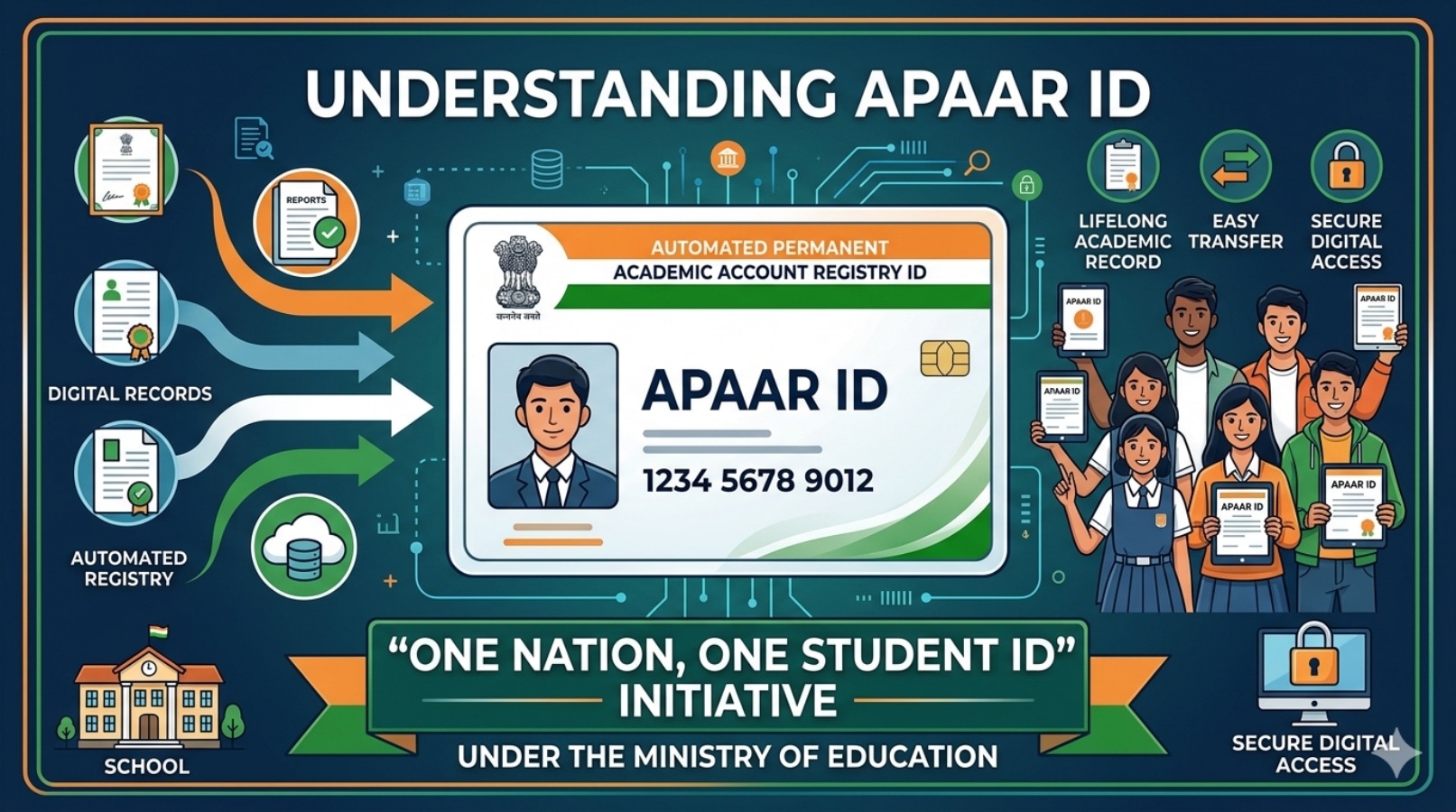
As CBSE prepares to declare Class 10 results, the government-owned Digilocker website has announced that students can check the results soon. The students can also create their APAAR ID to be able to save their CBSE marksheets and other documents hassle-free. APAAR ID stands for Automated Permanent Academic Account Registry ID. It is part of the Indian government’s “One Nation, One Student ID” initiative under the Ministry of Education. For more details on CBSE Class 10 and 12 results, students can check IE Education.
CBSE 10th Result 2026 LIVE: Check Update Here

What exactly is APAAR ID?
— A unique 12-digit student ID
— Linked to your academic records (marksheets, certificates, achievements)
— Connected with platforms like DigiLocker and Academic Bank of Credits
— Stays with you throughout your education and career
Is APAAR ID important for CBSE results?
No. APAAR ID is not mandatory to check or receive your CBSE Class 10 and 12 exam results.
The students can check results using roll number, school number, and admit card ID. They can access marksheets via CBSE websites or DigiLocker
Then why is it being promoted?
CBSE and schools are encouraging students to create APAAR IDs because:
— It helps store academic records digitally in one place
— Makes future admissions and verification easier
— Reduces paperwork and fraud
How to create APAAR ID?
1. Visit DigiLocker
Go to the DigiLocker website or app
Story continues below this ad
2. Sign in / Sign up
Use your mobile number and OTP or log in with existing credentials
3. Link Aadhaar
Enter your Aadhaar number and verify via OTP
4. Go to the Education section
Look for “APAAR ID” or “Student ID” option
5. Consent and generate
Give consent to share your details, and your APAAR ID will be generated instantly
Many Central Board of Secondary Education schools are
Story continues below this ad
— Creating APAAR IDs in bulk for students
— Asking for parental consent forms
So check with your school first, as you may already have one.
Time taken
— New user: 2–3 minutes
— Already on DigiLocker: under 1 minute
Important tips
— Aadhaar must be linked to your mobile number
— Details (name, date of birth) should match school records
— Use your own mobile number for easy access later
© IE Online Media Services Pvt Ltd