

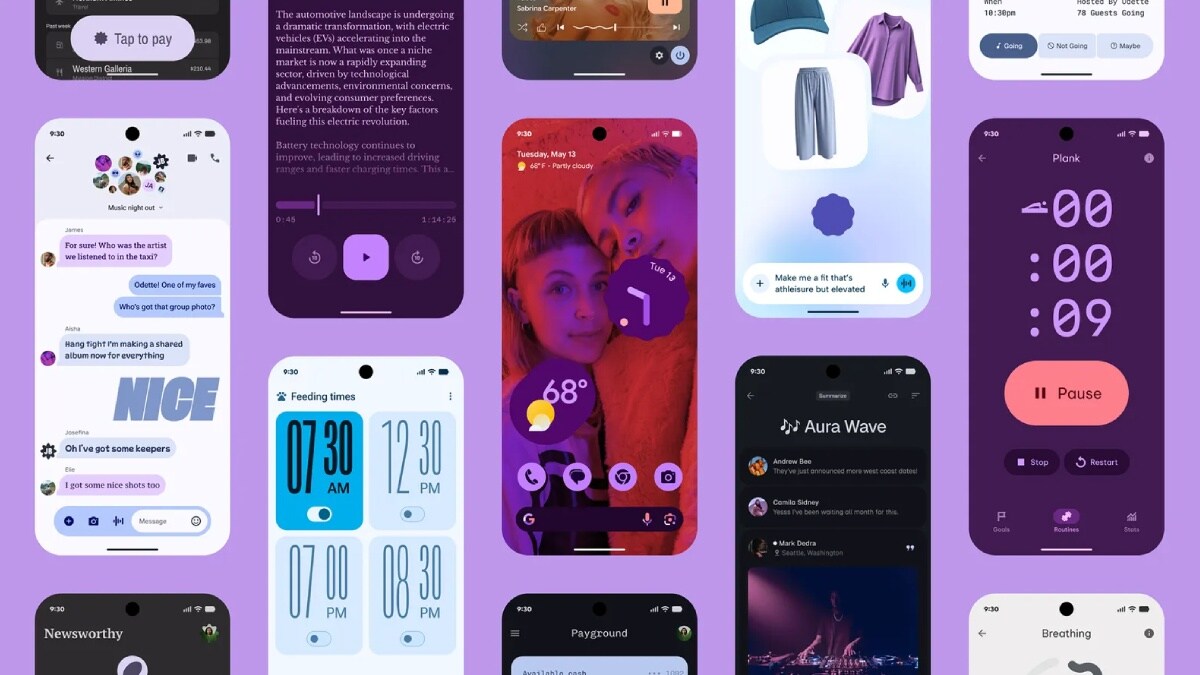
Google on Friday released the first public beta of Android 17, giving public users and developers an early look at the next major version of its mobile operating system. As per the Mountain View-based tech giant, the update introduces a range of refinements focused on performance, privacy, and developer tools. Google also highlighted a fundamental shift in the way new releases are introduced to the developer community, replacing the traditional “Developer Preview” with a continuous Canary channel.
Android 17 Beta 1 Update: What’s New
According to Google, Android 17 continues its push toward performance optimisation and smoother user experiences. The first beta includes under-the-hood improvements aimed at better background task management and enhanced power efficiency. The tech giant says its new update includes system-level changes that help apps run more efficiently, particularly in multitasking scenarios.
Android 17 Beta 1 also expands privacy and security controls. The update brings refinements to permission management, giving users clearer visibility into how apps access sensitive data such as location, microphone, and camera inputs. Professional-grade tools have been introduced for media and camera apps, with features like seamless transitions and standardised loudness.
There is added support for Versatile Video Coding (VVC) standard, audio framework enforces restrictions on background audio interactions including audio playback, audio focus requests, and volume change APIs. As per the company, this move ensures that these changes are started intentionally by the user.
On the UI front, Android 17 introduces subtle interface polish, including improvements regards to smoother system animations and refinements to notifications and quick settings behaviour. Google says it has also enhanced support for large-screen devices, with the removal of opt-out for orientation and resizability restrictions on large screen devices, ensuring better scaling and layout adaptability for foldables and tablets.
Apart from this, the update enforces restrictions on size of custom notification views, to reduce the memory usage. As per the company, this closes a loophole which previously allowed apps to bypass existing limits using URIs. This behaviour is gated by the target SDK version and takes effect for apps targeting API 37 and higher.
How to Install Android 17 Beta on Pixel Phones
Android 17 Beta 1 is available for supported Pixel smartphones enrolled in the Android Beta Programme. These range from the latest Pixel 10 series to the Pixel 6 models. To install the update:
- Visit the Android Beta Programme website and sign in with your Google account
- Select your eligible Pixel device and opt into the programme
- Once enrolled, navigate to Settings > System > Software Update on your phone
- Check for updates and download Android 17 Beta 1 when it appears
After installation, the device will receive future beta updates over the air (OTA). Users should note that beta software may contain bugs or stability issues, and it is generally recommended for developers or advanced users rather than primary devices.