

When Apple held its annual Worldwide Developers Conference (WWDC) last week, the company used its keynote address not only to announce the revamped Siri, which stole the spotlight, but also to announce a host of changes coming to its software platforms, particularly the iPhone. Set to roll out later this year and available on the iPhone 11 and newer models, iOS 27 may not bring a dramatic visual overhaul, but it does introduce improvements and performance tweaks. While much of the attention has been focused on how AI is being woven into the core of iOS, there are several underrated features that may have gone unnoticed.
Here are my favorite underrated iOS 27 features that I discovered while running the developer beta on my iPhone Air over the weekend.

Native browser page monitoring
One of the iOS 27 features I am most excited about is Safari’s new “Notify Me” feature. It’s something I can see myself using a lot. The feature lets users track price drops, product restocks, flight availability, and other website changes directly from the browser – no RSS feeds, newsletter subscriptions, or third-party extensions required. Typically, users have to rely on third-party tracking tools or web scrapers to monitor such changes. However, these external services often drain battery life, clutter notification trays, and can raise privacy concerns. Apple is taking a completely different approach with Notify Me.
The idea is simple: navigate to a webpage in Safari, tell it what you want to monitor, and Safari periodically checks for changes. When it detects a matching update, you receive a notification. This makes tracking price drops and product restocks, for example, much simpler and less resource-intensive. I know so many friends of mine who rely on third-party services to track sneaker restocks. There’s no need for complex web scrapers that require extensive setup, work only on desktop, and depend on third-party accounts and servers. Notify Me is built directly into Safari, works across iPhone, iPad, and Mac with a single setup, and doesn’t require using an external service that could be keeping tabs on your browsing activity.
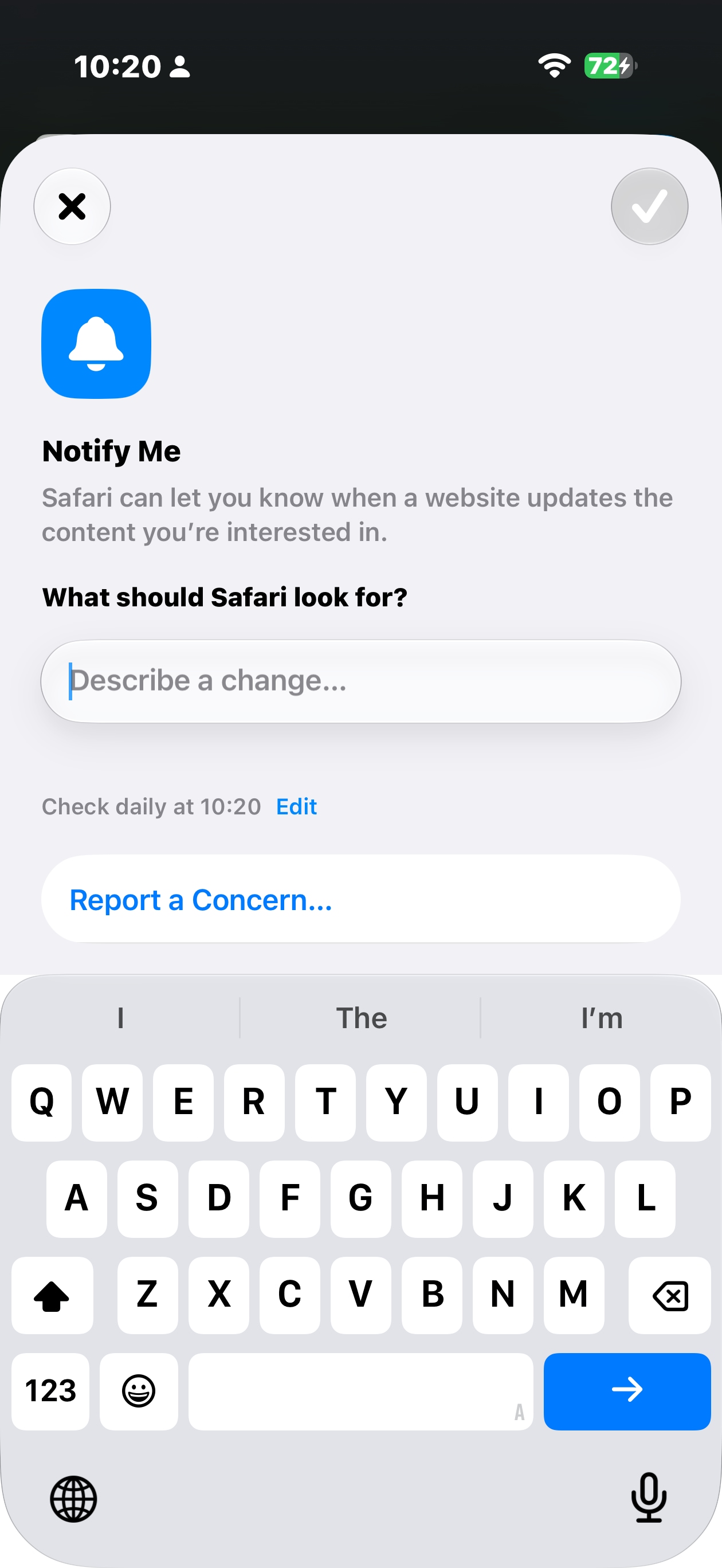 Safari introduces a “Notify Me” action in the address bar that monitors specific webpages for changes, such as e-commerce price drops or product restocks, without the need for third-party extensions. (Image credit: Screenshot by The Indian Express)
Save images directly from videos
As a tech journalist who shoots a lot of videos at product launches, one of my biggest frustrations over the years has been extracting a high-quality photo directly from a video. I am often looking for the right frame to use as a thumbnail or to accompany a story. Thankfully, Apple is finally addressing this need by allowing users to save a photo directly from a video. With this new feature, there is no need to take screenshots of video frames, which often capture unwanted elements such as the status bar and require additional cropping and editing.
While playing a video, you can tap the three-dot menu in the top-right corner and select Save Video Frame as Photo. iOS will then extract the selected frame and save it directly to your photo library as a standalone image in full resolution. That’s one feature that may become an instant hit with content creators.
Easier to copy and paste text or images between apps
A small but very useful feature I spotted while testing the iOS 27 developer beta over the weekend is Apple’s new keyboard paste button, which makes copying and pasting quicker and more convenient in everyday use.
Story continues below this ad
When text or an image is copied in iOS 27, the keyboard can display a paste shortcut in the suggestion bar above the keys. I found this feature particularly useful for screenshots. For example, if you have just copied a screenshot, the paste suggestion makes it much faster to insert the image into a message, note, email, or another app without any extra steps. That’s a huge time-saver for users. Copy and paste should be seamless, but on the iPhone it has traditionally required more taps than necessary.
This isn’t an entirely new idea, of course. Android users have had access to similar clipboard shortcuts for years through keyboards such as Gboard, where copied content is often accessible directly from the keyboard. Now, it’s Apple’s turn. While this may not be a headline-grabbing feature, I can already see its usefulness across messaging apps, note-taking tools, email clients, work apps, and quick-sharing workflows. The keyboard-level paste shortcut makes it easier to move text and images between apps with zero effort. Most importantly, it’s a genuinely convenient feature for iPhone users because it doesn’t require any change in habits or a separate setup.
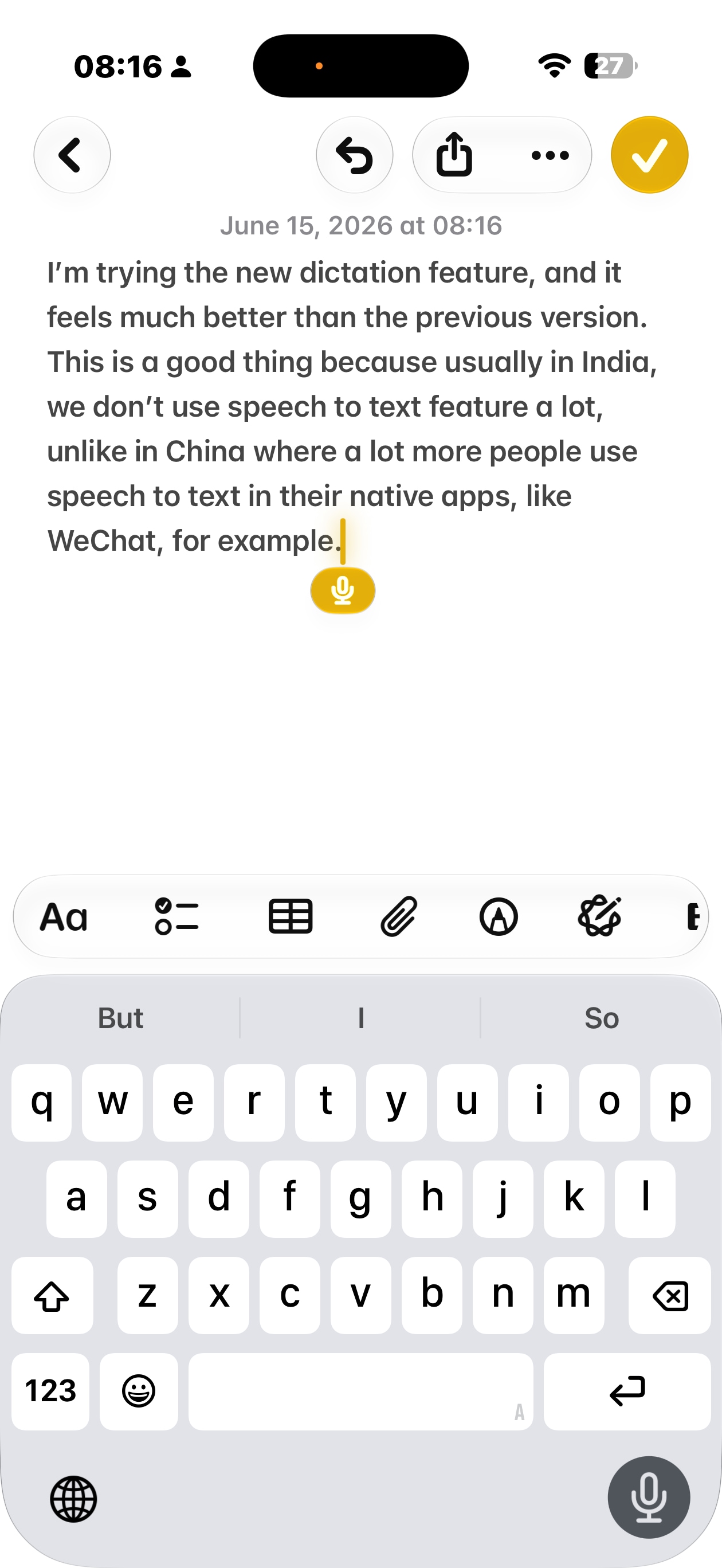 Apple claims Siri AI offers improved dictation tools, and I was quick to try out the feature. (Image credit: Screenshot by The Indian Express)
New LLM-powered keyboard dictation feature
Perhaps one of the iOS 27 features that impressed me the most (and one I wasn’t expecting) is the new and improved dictation system, which makes speech-to-text a lot better on the iPhone. Frankly, speech-to-text has never been one of the iPhone’s strengths, and I often avoided using it because the results were too inconsistent. It appears that Apple is already working to address those shortcomings with a updated dictation feature powered by AI models. The feature is exclusive to the iPhone 17 Pro and iPhone Air.
To use the feature, simply make sure Dictation is enabled in iOS’s keyboard settings. Interestingly, it was turned off by default in the iOS 27 Beta 1 build I tested. Once enabled, tap the microphone button in the bottom-right corner of the keyboard to activate dictation mode. The feature converts your spoken words into text regardless of the app you are using. I tested it in Apple Notes and the Messages app, and the experience was somewhat better than expected.
Story continues below this ad
First things first, Apple’s dictation software understands basic punctuation such as periods, commas, and quotation marks. It also understands my Indian English accent, and the dictation didn’t feel slower. In fact, I did not notice any lag between speaking and seeing words appear on screen.
The typos and mistakes that dictation software often makes were not present, surprisingly. The more I use Apple’s LLM-powered dictation feature, the less awkward speech-to-text feels. When I see how Chinese users use speech-to-text as if the experience is completely natural, I feel there is a need to build more confidence in using voice input for messaging in everyday use.
I am not saying the new on-device AI dictation feature in iOS 27 is perfect, but it does make voice typing feel more natural and makes fewer mistakes on the iPhone.